LunchBox
A macOS menu bar app that lets you create custom window snapping layouts across multiple monitors. Draw your zones, snap your windows, stop fighting with macOS about where things go
Built by Krooked. Because the built-in window management made him unreasonably angry
Draw It. Snap It. Done.
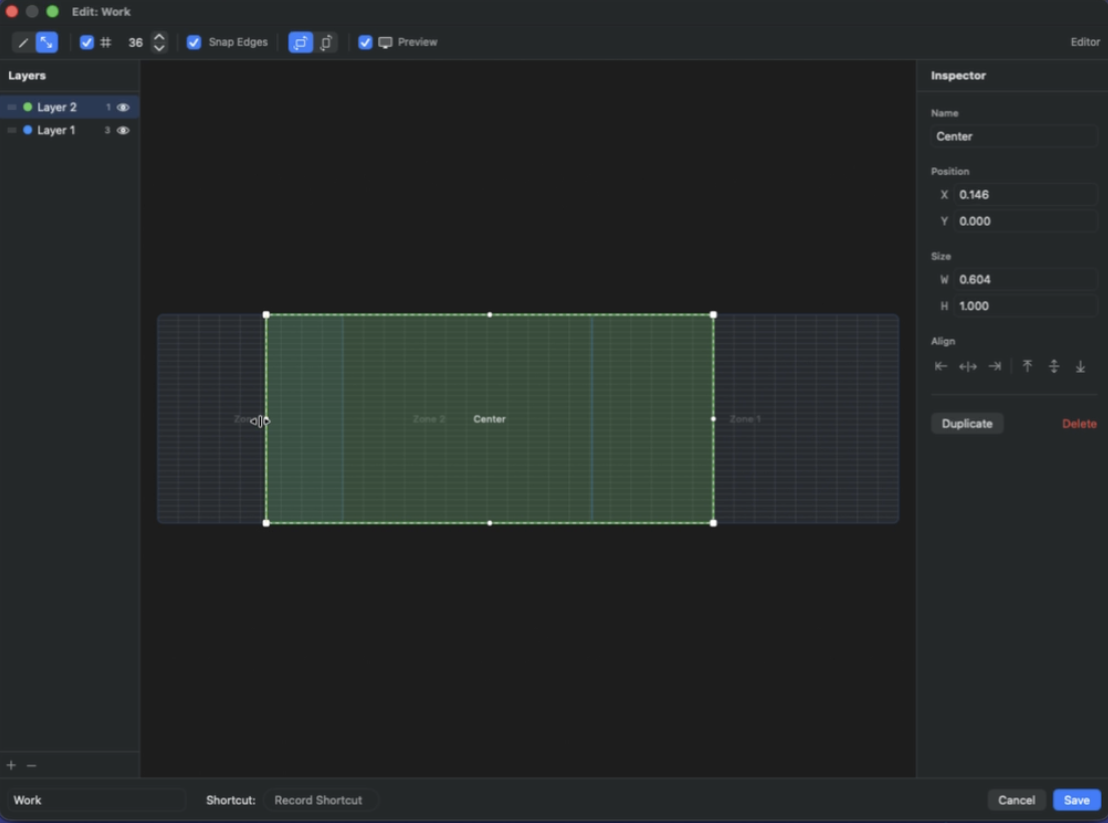
Open the layout editor, draw zones on your screen, and assign them names. Drag windows to a zone or hit a shortcut — they snap into place. Each monitor gets its own layout with as many layers and zones as you want
Your Screen, Your Rules
macOS window management that doesn't make you want to throw your laptop
Custom Snap Zones
Draw your own window zones instead of being stuck with whatever Apple thinks you need. Split the screen however you want
Multi-Monitor Support
Different layouts for different monitors. Your ultrawide and your laptop screen don't need to play by the same rules
Multiple Layers
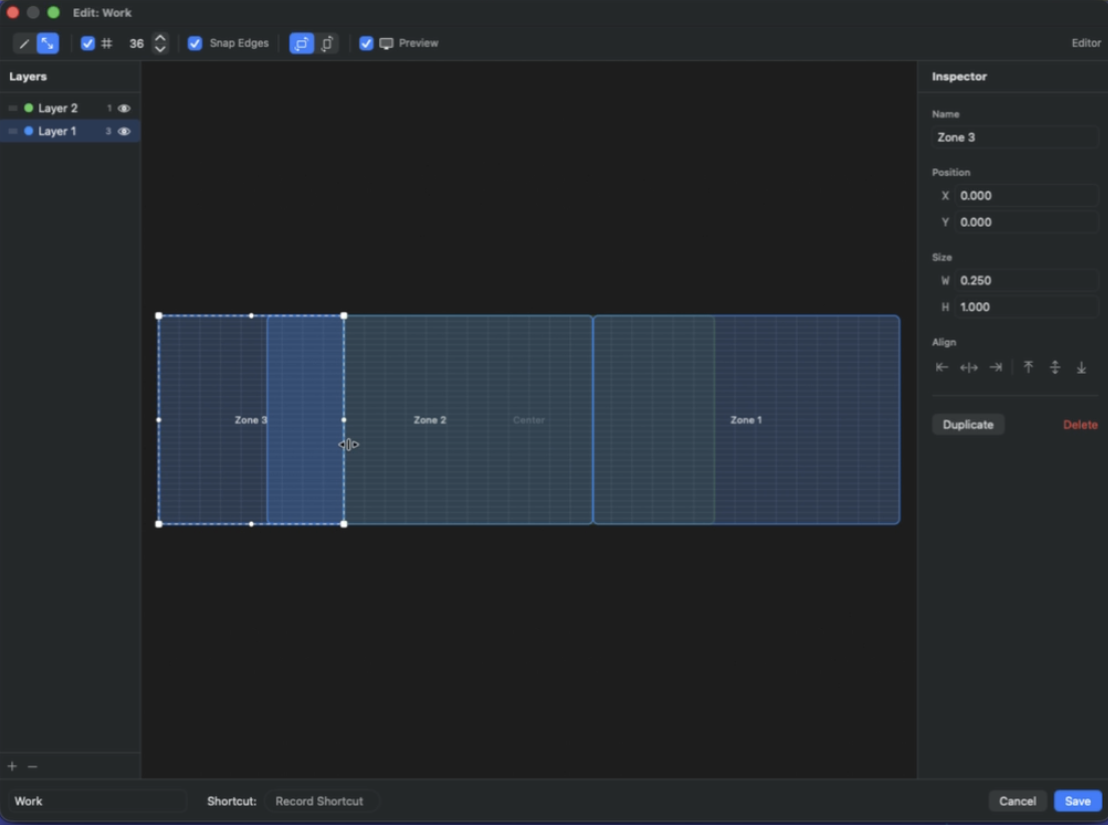
Stack layout layers so zones can overlap. Snap a window to the top half, the left third, or some weird shape you invented at 2am
Drag to Snap
Drag a window to a zone and it snaps into place. No keyboard shortcuts to memorize, no menu diving — just drag
Keyboard Shortcuts
Record custom shortcuts for any zone. For when dragging feels too slow and you'd rather just slam a hotkey
Menu Bar App
Lives in the menu bar, stays out of your way. Edit layouts when you need to, forget it exists the rest of the time
See It In Action
The layout editor, zone splitting, and windows snapped across multiple monitors
Available on macOS
Custom window layouts on macOS without the headaches — download it now